Nothing OS Updates & Changelogs
Welcome to the Nothing OS update index. Here you will find official changelogs for Nothing and CMF by Nothing devices.
Before exploring the individual changelogs below, please review the guidelines below to understand how Nothing OS updates are built, compiled, and distributed.
🚀 How Updates Work
1. Phased Regional Rollouts
Nothing OS updates are released in staged phases rather than all at once. Updates are gradually distributed across different regions over several days. This allows the software team to monitor stability and detect any critical bugs before a global rollout.
- Manual Sideloading: Official incremental and full update packages are available in the Firmware section. Devices can also be updated manually by following the Sideloading Guides.
2. Update Frequency & Cadence
Nothing OS devices generally target a bi-monthly (every two months) update cycle.
- Cadence Expectations: All Nothing phones receive at least one update within a two-month period. This is an approximate calendar-based schedule rather than a strict 60-day interval. For example, if an update is released on March 5, the next update is typically expected before the end of May rather than exactly 60 days later.
- Model-Specific Timings: Different device models do not receive updates on the same date. While simultaneous rollouts can occur, they are not guaranteed, as each model has its own independent development and testing cycles.
- Hotfixes: The software team may release additional mid-cycle hotfix updates if critical issues require urgent resolution.
- Launch Phase: Newly launched devices typically receive more frequent updates during their first few months to address initial post-release feedback, bug fixes, battery/performance optimization, camera tuning and more.
3. Understanding Build Numbers
Nothing OS software build numbers contain structured metadata about the build itself.
Let's dissect the example build Asteroids-B4.1-260414-1749:
| Component | Codename | Description |
|---|---|---|
| Device Codename | Asteroids | Codename representing the specific device (in this case, Phone (3a)) |
| Android Version | B | Android version codename character (e.g. B = Baklava/Android 16, V = Vanilla Ice Cream/Android 15, U = Upside Down Cake/Android 14) |
| Nothing OS Version | 4.1 | Nothing OS version number |
| Build Date | 260414 | The compilation date in YYMMDD format (April 14, 2026) |
| Build Time | 1749 | The compilation time in HHMM 24-hour format |
Every software build goes through internal quality assurance and testing by the Nothing software team before release. Consequently, there is always a delay between the compilation date and the public rollout date.
For instance, while a build like Asteroids-B4.1-260414-1749 was compiled on April 14th, it was rolled out on April 24th. The bi-monthly schedule countdown for the next update begins from the rollout date, not the compilation date.
4. Security Patch Integration
A new software build does not always include the latest monthly Android security patch. Security patch integration depends on Google's release schedule, Nothing's development cycle, and build cut-off dates.
5. Feature Parity & Model Differences
Each Nothing and CMF device has its own development cycle tailored to its hardware. Comparing version numbers or questioning release timing discrepancies between different generations is futile.
- Trickle-Down Features: Features introduced on newer models gradually make their way back to older devices over time, unless there are hardware limitations. However, newer models may be prioritized first to support initial sales launches.
- Version Parity: Having the same version number (e.g., Nothing OS 4.1) on two different devices does not mean they have identical features. For example, budget-friendly models and flagship models will have features tailored to their hardware capabilities (e.g., custom camera modes or depth effects on lockscreen might be rolled out to models at different times).
To learn more about the development, testing, and distribution process behind Nothing OS updates, see the community article: 👉 Inside a Major Nothing OS Update
Select Your Device 📱
Select your device model below to view its complete Nothing OS update history and official changelogs.
Nothing Phone Series
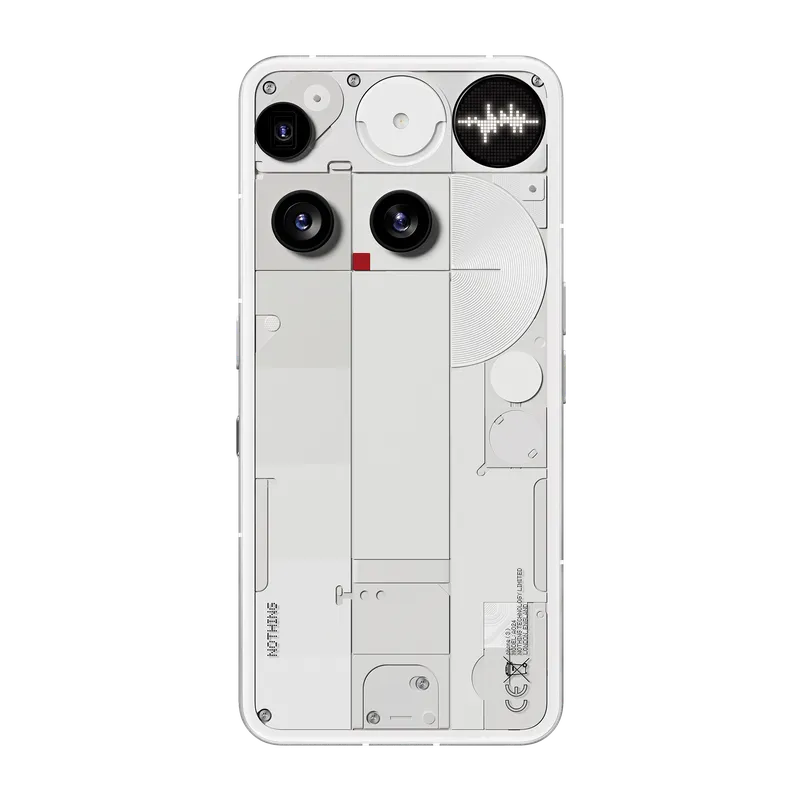
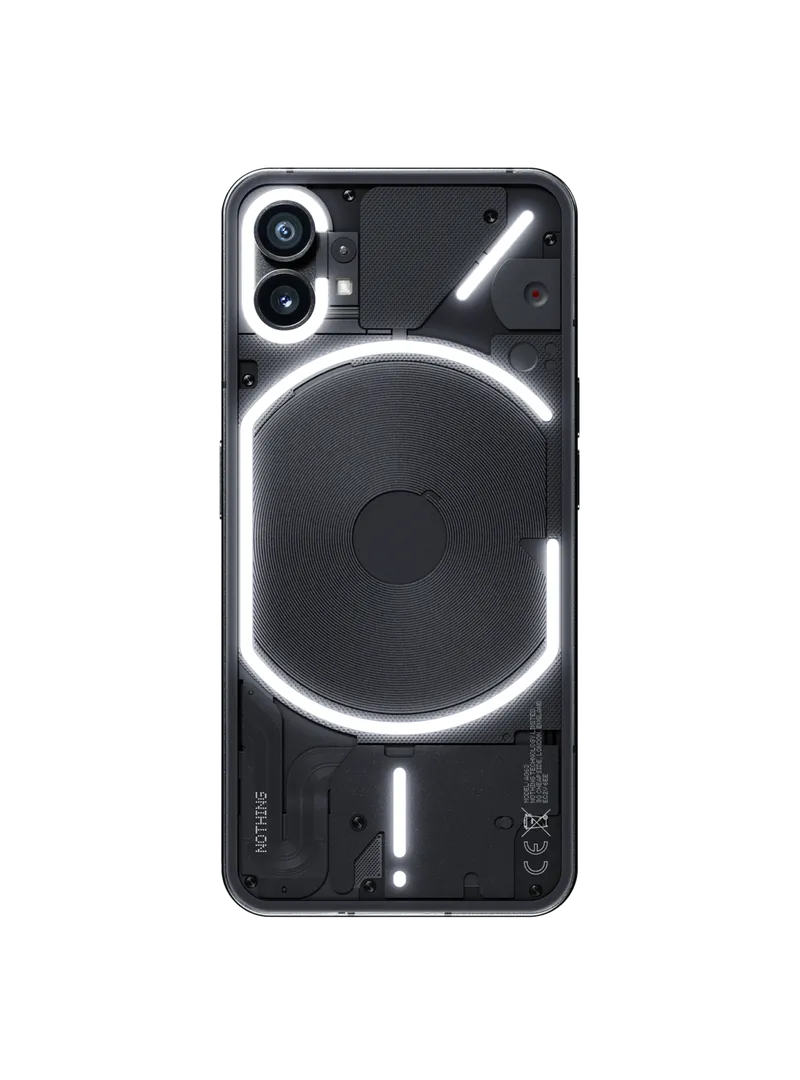
Nothing Phone (a) Series
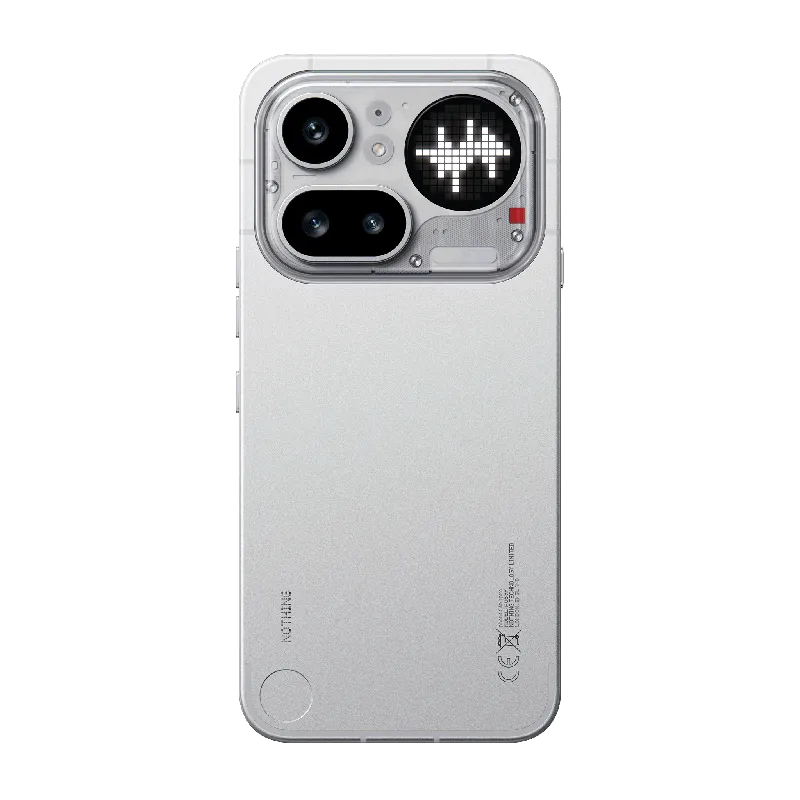
Phone (4a) Pro
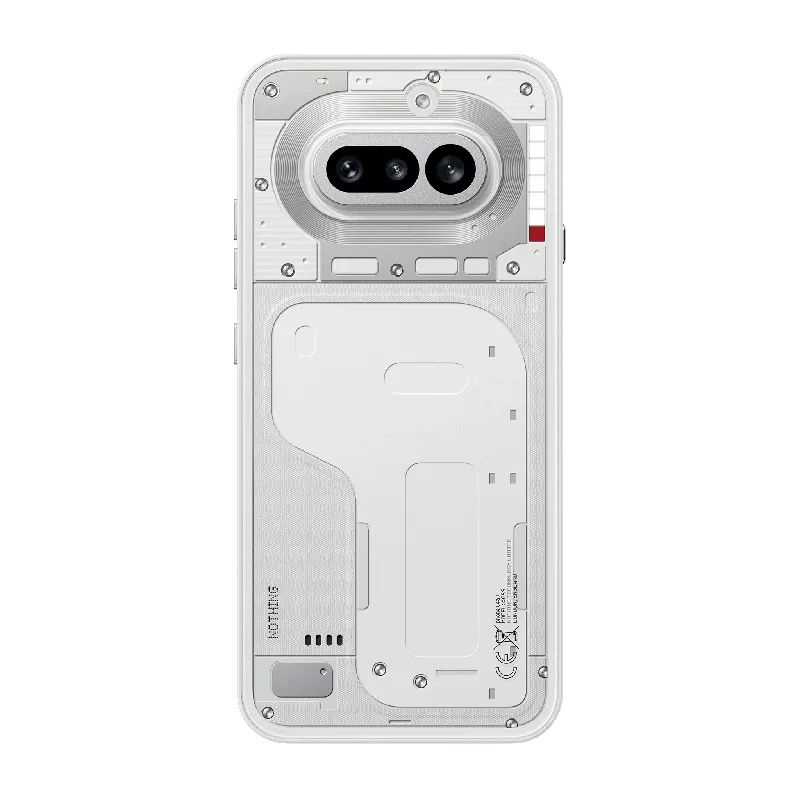
Phone (4a)
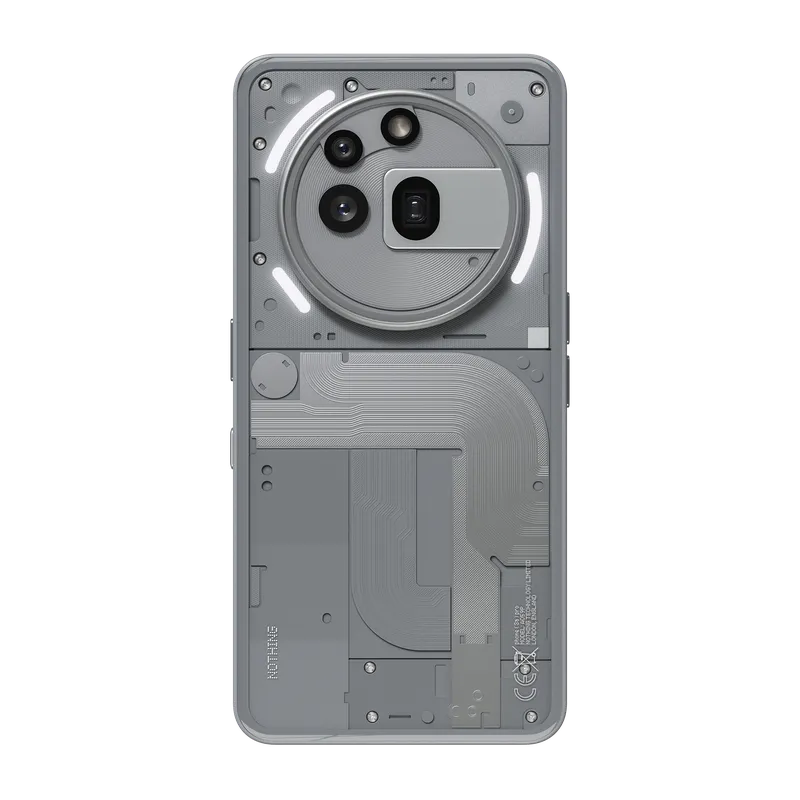
Phone (3a) Pro
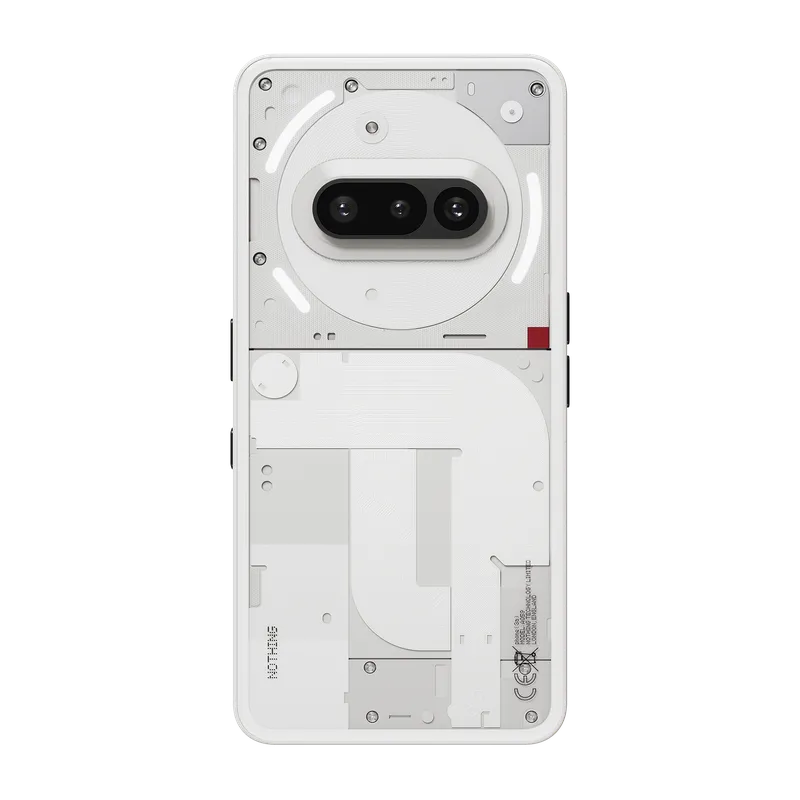
Phone (3a)
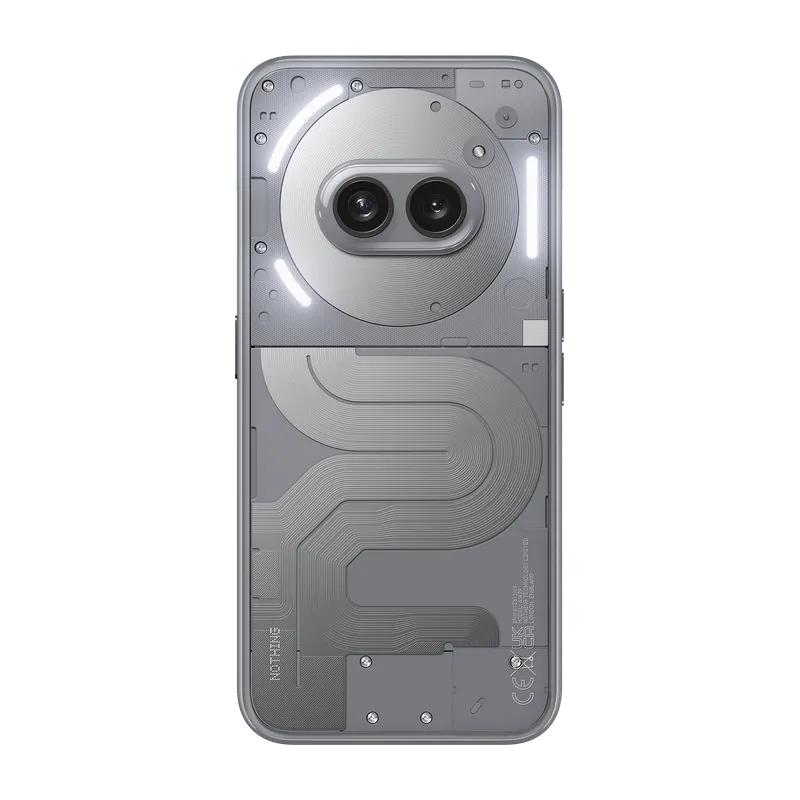
Phone (2a) Plus
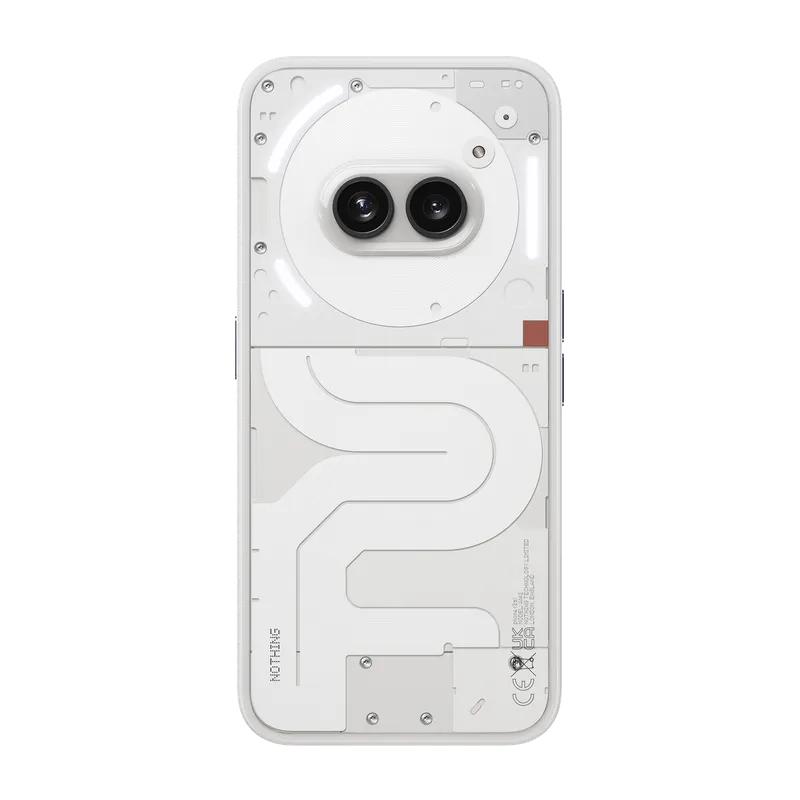
Phone (2a)
Nothing Phone (b / Lite) Series
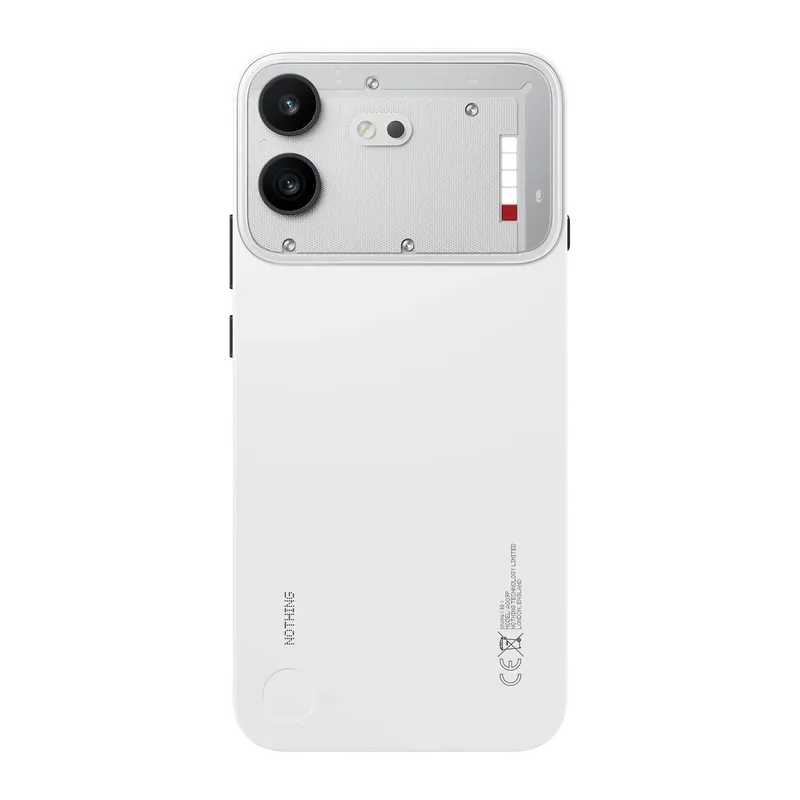
Phone (4b)
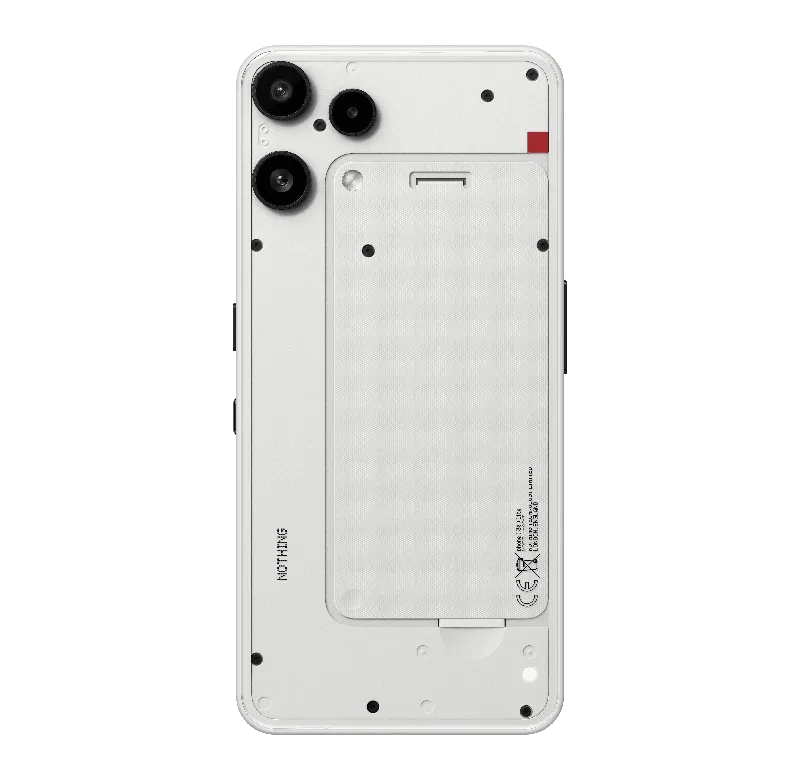
Phone (3a) Lite
CMF by Nothing Phone Series
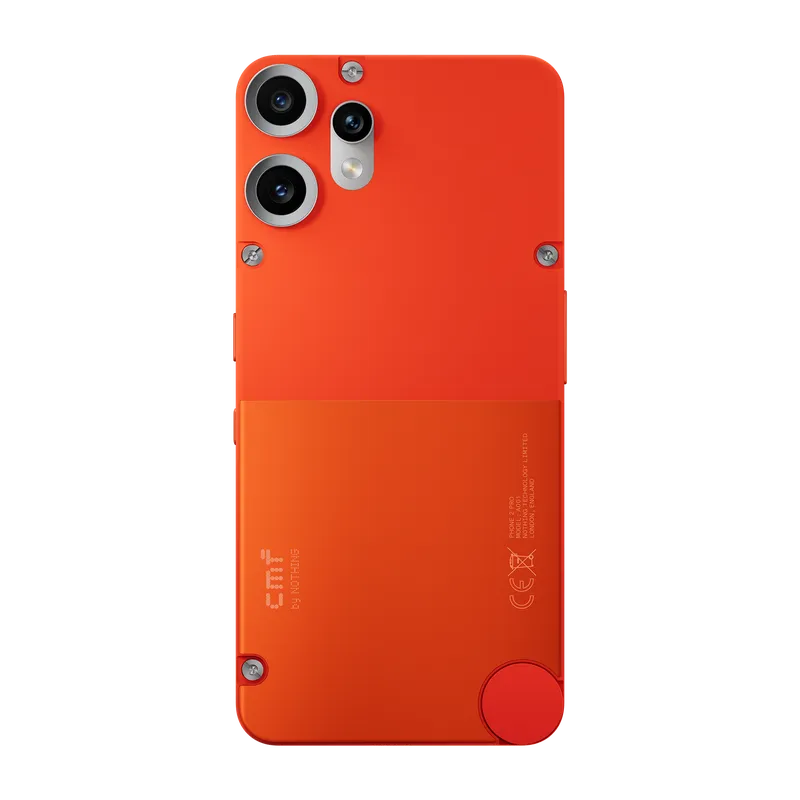
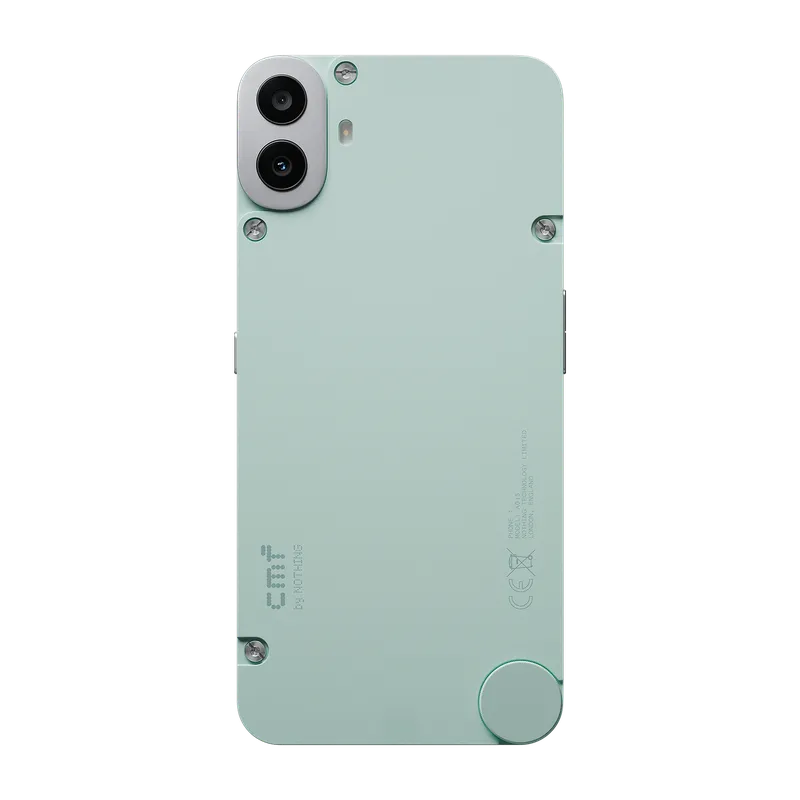
Phone (2) Pro